Luis DiazSoftware engineer | ||||
| home | blog | projects | about | |
| |
The backend was implemented with PlayFab.
I made this game after my class on mobile game services in my master’s degree. It was cool to implement online features so easily with PlayFab, so I spent a few days playing with Unity making this game to learn more about PlayFab.
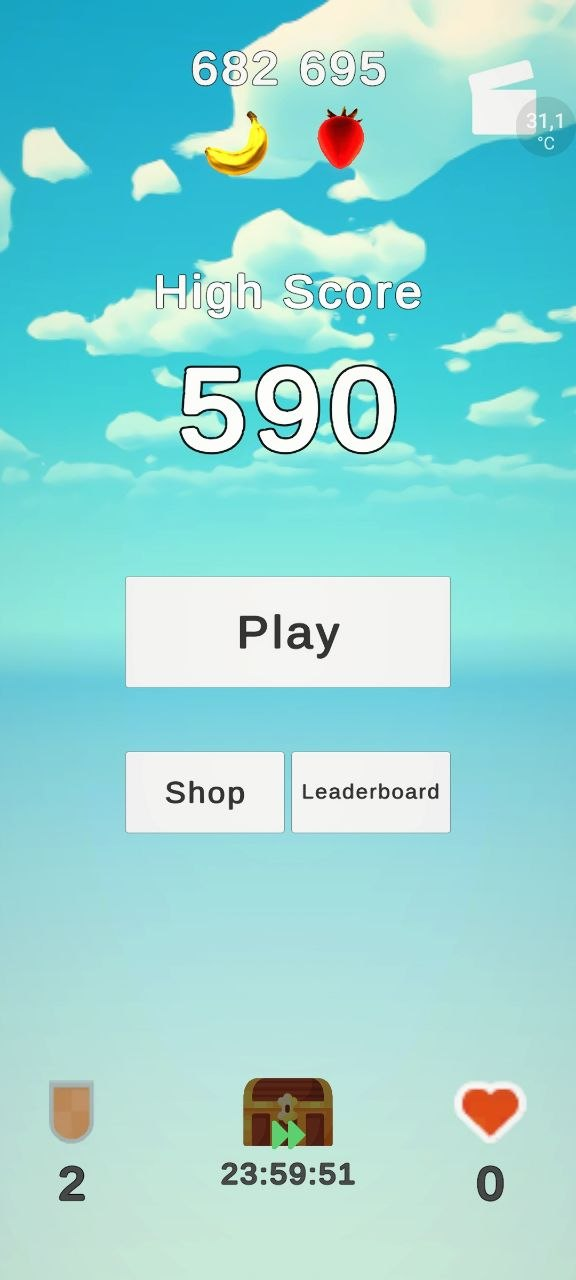
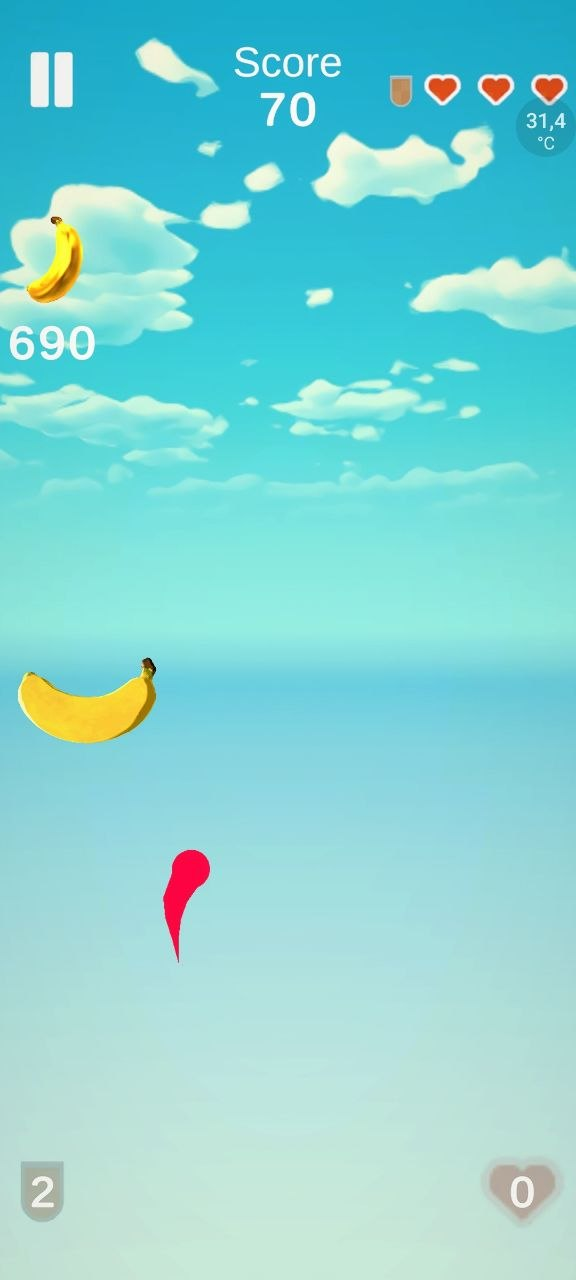
This game is heavily inspired by fruit ninja. You play by cutting bananas as they appear!
You also have to avoid bombs: if you hit one without a shield, it’s game over.
Every time you miss a banana, you lose a heart. When you lose three hearts, you lose the game.
It’s an infinite game mode, try to get the highest score and collect as many golden bananas as you can!
You have skins for your sword that change the color of the sword.
You have two currencies:
Golden bananas (soft currency): you can get them from the random golden bananas that appear in the game and from the daily chest, they’re used to buy consumables (extra shields and hearts) and some unlockables, like sword variations
Ruby Strawberries (hard currency): You can only get them by paying real money (Not really but that’s the idea!) and from the daily chest. They’re used to buy premium unlockables
And you have two types of consumables in the game: hearts that heal you and shields that protect you from a single hit.
The following section describes the implementation of the main online features described above.
The game follows a common architecture for all features:
cloudscript.js scriptBackend.Client class that implements all interactions with the backend from the client. It’s a thin wrapper over available operations in the backend.PlayerStateManager is the manager object that handles the current state of the player and how it’s rendered to the user. Most state change operations go through this class. It also works as client-side cache, to avoid using network calls for every data lookup all the time.PlayerData: It’s a class representing all the information related to a player. Since this can vary from version to version and it can drift between server and client at some point, we have a Server.PlayerData and a Client.PlayerData and transformation functions between each other. The server variant is used to communicate with the server, while the client variant is what the application consumes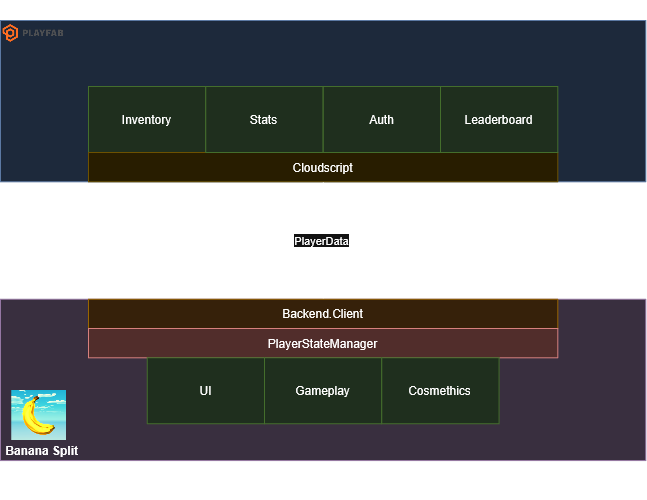
highScore stat from PlayFab (saved to PlayerData), a custom stat per user, and we only overwrite it if the new score is greater. The server is source of truth, to prevent client tampering.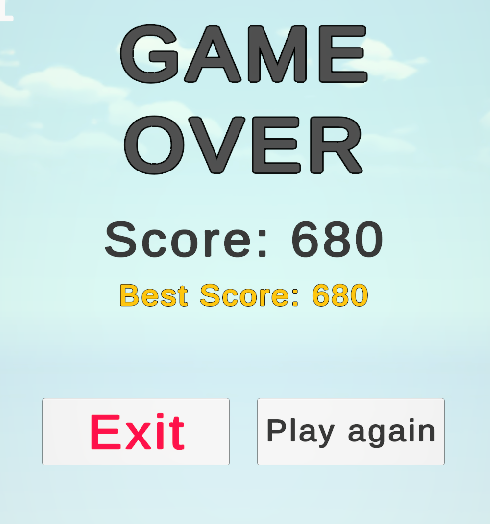
highScore stat we mentioned before.PlayFabClientAPI.GetLeaderboard function.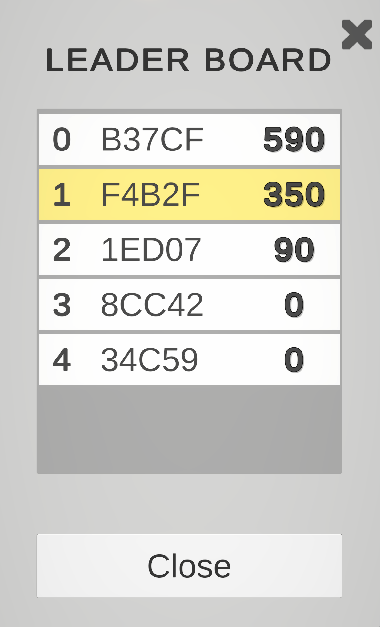
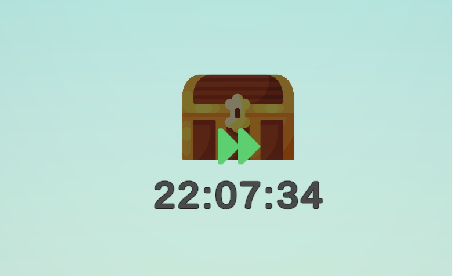
The daily chest is implemented by a simple timer, the NextChestTime variable that lives in the read only user data. It’s a Unix-epoch string that specifies when the chest should be ready.
The timer that is displayed to users is just a UI gimmick; the actual state is managed by the dumb NextChestTime variable. The UI itself manages the countdown widget based on the value of NextChestTime read on initialization.
PlayFabClientAPI.PurchaseItem, and most validation is done by PlayFab. The UI is mostly for presentation logic.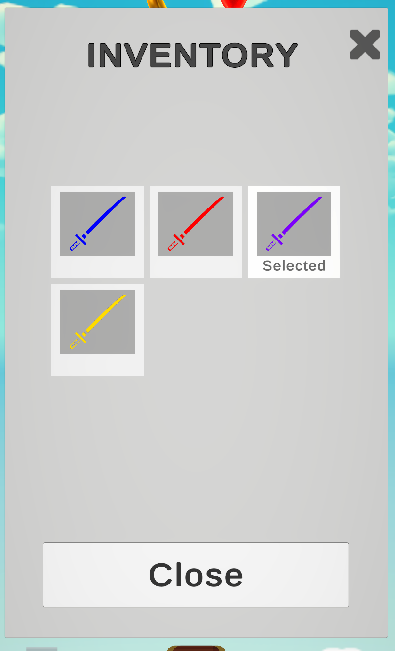 | 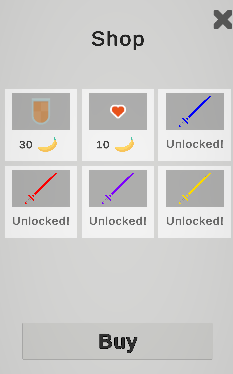 |
Consumables are loaded into the PlayerStateManager on first load. Since the usage of consumables is time sensitive (taking too long can fail your round) the consumption is optimistic: if the cached value is positive, the consumable is immediately applied and a request to update it is sent to the server, the value is updated with the server’s response.
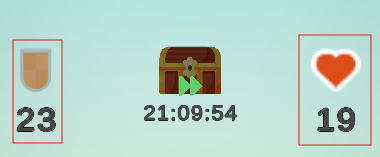
The consumable consumption is implemented on top of PlayFab’s inventory API.
The main purpose of this project was learning about PlayFab, so I didn’t spend too much time on the aesthetics of the game. However, I applied several matcap materials to various items to give it a quick good look, like the golden bananas, ruby berries and the regular bananas with a cartoon matcap.